
What is DMARC?
DMARC is a DNS record that tells receiving mail servers what to do with a message claiming to be from your domain when it fails authentication. It also gets those servers to send you reports on who is sending mail as you.
Talk to an engineer Knowledge base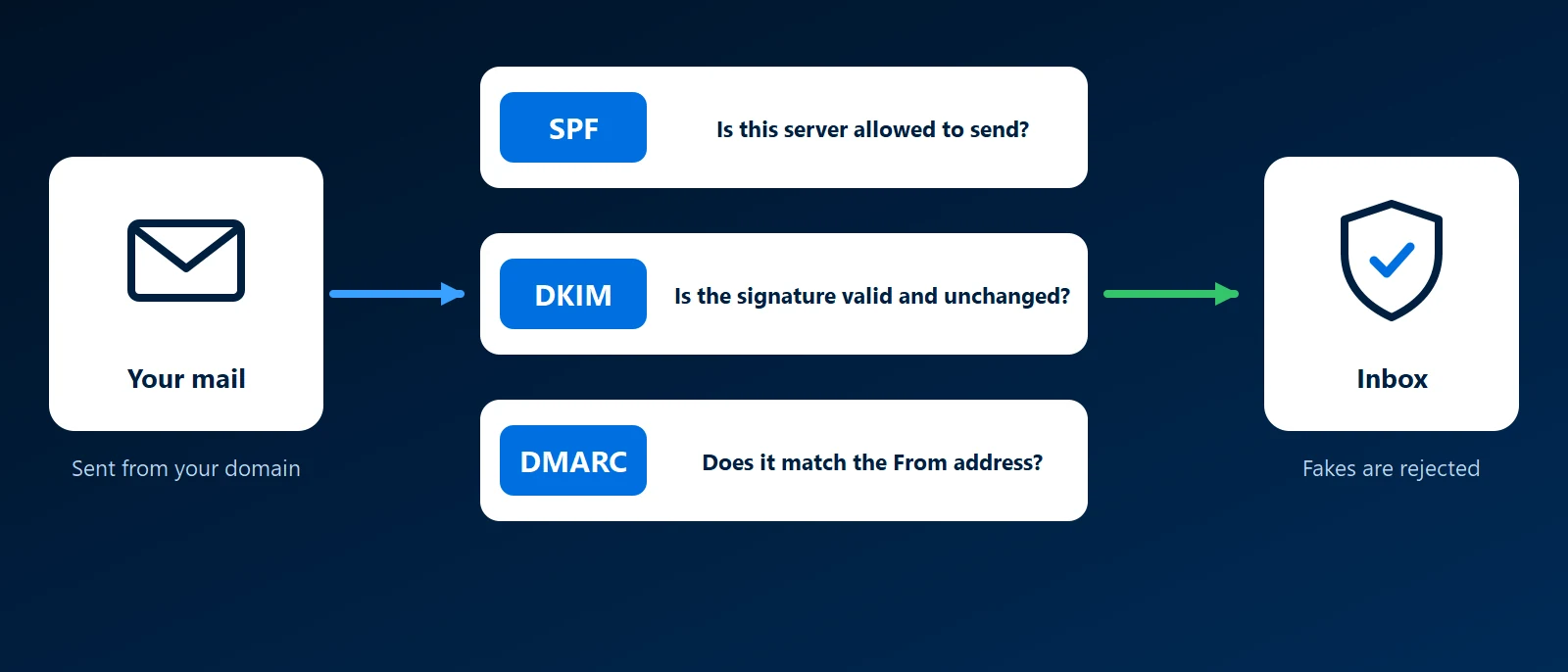
What it is
DMARC stands for Domain-based Message Authentication, Reporting and Conformance. It builds on SPF and DKIM and adds the piece they lack: a link to the From address the reader sees.
That link is called alignment. A message passes DMARC when SPF passes for a domain matching the From domain, or a DKIM signature from a matching domain is valid. One aligned pass is enough.
The record
DMARC is a TXT record at _dmarc followed by your domain, published in DNS. A starting record looks like v=DMARC1; p=none; rua=mailto: followed by the address that should receive reports. The p value is the policy:
- none: take no action, only report.
- quarantine: treat failing mail as suspicious, which usually means the spam folder.
- reject: refuse failing mail.
Aggregate reports
The rua address receives aggregate reports from large mail providers, usually once a day, as XML files. Each lists the servers that sent mail as your domain, how many messages, and whether SPF and DKIM passed and aligned. They reveal forgotten services that send as you, and forgers too.
A sensible rollout
- Start at none. Publish the record with a report address and collect a few weeks of reports.
- Fix every legitimate sender. Give each one a DKIM key and an SPF entry until the reports show it passing.
- Move to quarantine. Failing mail now goes to spam.
- Move to reject. Once nothing legitimate is failing, forged mail is refused.
Why it matters to a business
Without an enforced DMARC policy, anyone can send mail showing your exact domain in the From line, and receivers have no instruction to stop it. Google and Yahoo have required bulk senders to authenticate their mail since 2024. Our email authentication guide shows how the three records fit together.
How KawaConnect works with DMARC
As part of setting up and administering Microsoft 365, we publish DMARC for the domain, start at none, and tighten the policy only after the legitimate senders are passing. More on our Microsoft 365 page, with background in the business email guide.
Related services
Microsoft 365
SPF, DKIM and DMARC set up for Exchange Online.
Managed IT
Mail records kept in step when you add a new service.
Websites
Website and domain DNS handled together.
Learn more
- DMARC on WikipediaA neutral overview of alignment, policies and reporting.
- DMARC overview at dmarc.orgThe standard's own site, explaining how a receiver applies a DMARC policy.
- Google email sender guidelinesGoogle's requirements for SPF, DKIM and DMARC on mail sent to Gmail.
- Email authentication in Microsoft 365Microsoft's guidance, with links to its steps for setting up DMARC.
Is your DMARC policy still at none
Send us your domain. We will tell you what the record says and what stands between it and reject.
Start a conversation