
What is DKIM?
DKIM, DomainKeys Identified Mail, adds a digital signature to every email your domain sends. The receiving server uses a public key in your DNS to confirm the message is unchanged and that your domain signed it.
Talk to an engineer Knowledge base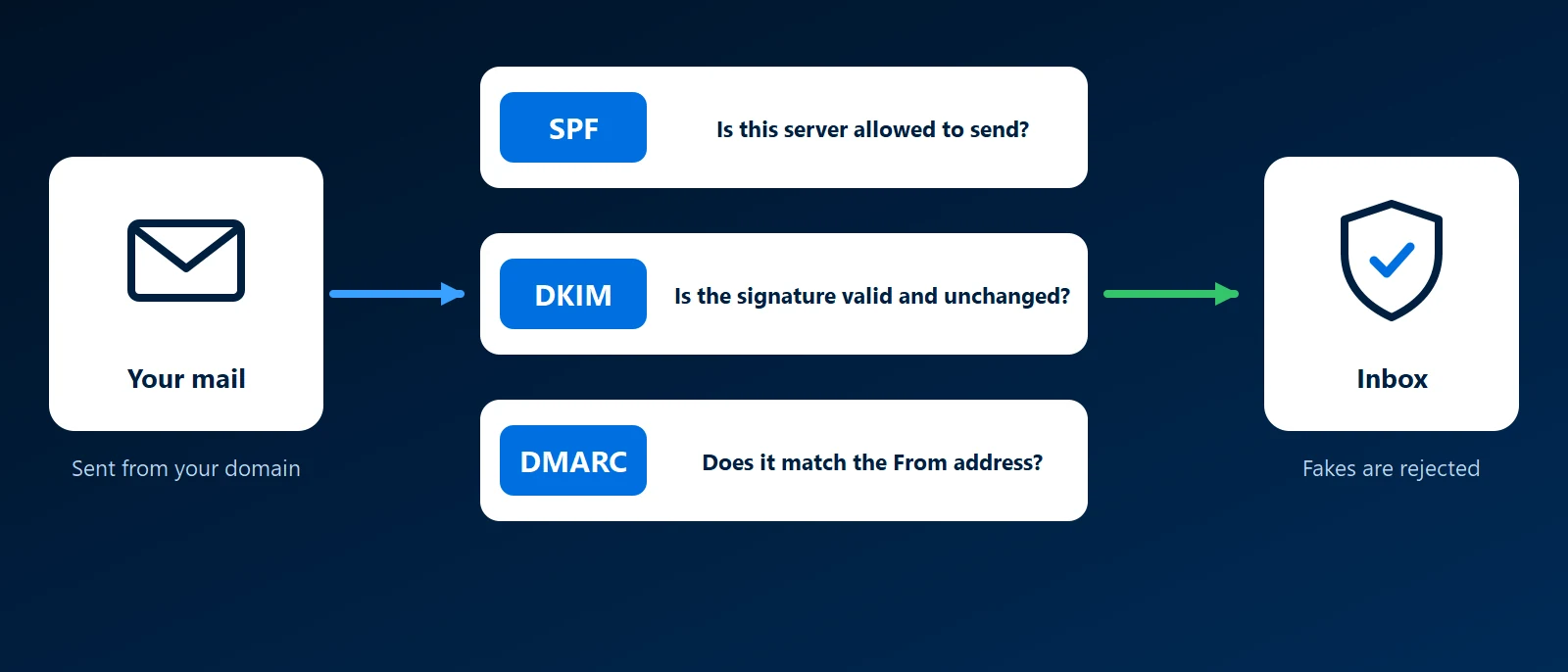
What it is
DKIM uses a key pair. The sending system holds a private key and signs each outgoing message with it, covering the body and chosen headers such as From, To and Subject. The signature travels in a header, with the signing domain and a selector name.
The matching public key is published in your DNS at selector._domainkey followed by your domain. The receiver looks it up and checks the signature. A pass means the signed parts arrived exactly as sent, from a system holding your key.
What it survives and what breaks it
- Forwarding: the signature stays valid when a message is forwarded unchanged, because it belongs to the message, not to the server it came from. This is where DKIM does better than SPF.
- Changes in transit: a mailing list that adds a footer or edits the subject line, or a filter that rewrites the body, breaks the signature.
One key per sending service
Every service that sends as your domain needs DKIM turned on separately: Microsoft 365, a newsletter platform, an accounting package that emails invoices. Each publishes its own public key under its own selector, so several can sit side by side. Microsoft 365 has you add two CNAME records that point at keys Microsoft manages. Google Workspace gives you a TXT record to publish. A service that sends without its own signature is the usual cause of failures once DMARC is enforced.
Use 2048-bit keys where the service and DNS host support them, and replace keys from time to time, which the selector system allows without interrupting mail.
Why it matters to a business
A valid signature gives receivers a reason to trust your mail and lets DMARC tie it to your From address. DKIM alone does not say what to do with a message that fails. See our email authentication guide.
How KawaConnect works with DKIM
We turn on DKIM signing in Exchange Online and publish the records when we set up or migrate Microsoft 365, then check the other services a business sends from. See our Microsoft 365 page and our guide to business email.
Related services
Microsoft 365
DKIM signing turned on for Exchange Online.
Managed IT
A record of every service that sends mail as your domain.
Websites
DNS for the sites we host, mail records included.
Learn more
- DomainKeys Identified Mail on WikipediaA neutral overview of how DKIM signatures and selectors work.
- Email authentication in Microsoft 365Microsoft's overview, with links to its steps for turning on DKIM for a custom domain.
- DMARC, DKIM and SPF at CloudflareHow DKIM fits with the other two records, written for non-specialists.
Is every service signing your mail
List the systems that send email as your company. We will check which ones sign it with DKIM.
Start a conversation