
What is SPF?
SPF, the Sender Policy Framework, is a DNS record that lists the servers allowed to send email for your domain. Receiving mail systems check it to decide whether a message came from a server you approved.
Talk to an engineer Knowledge base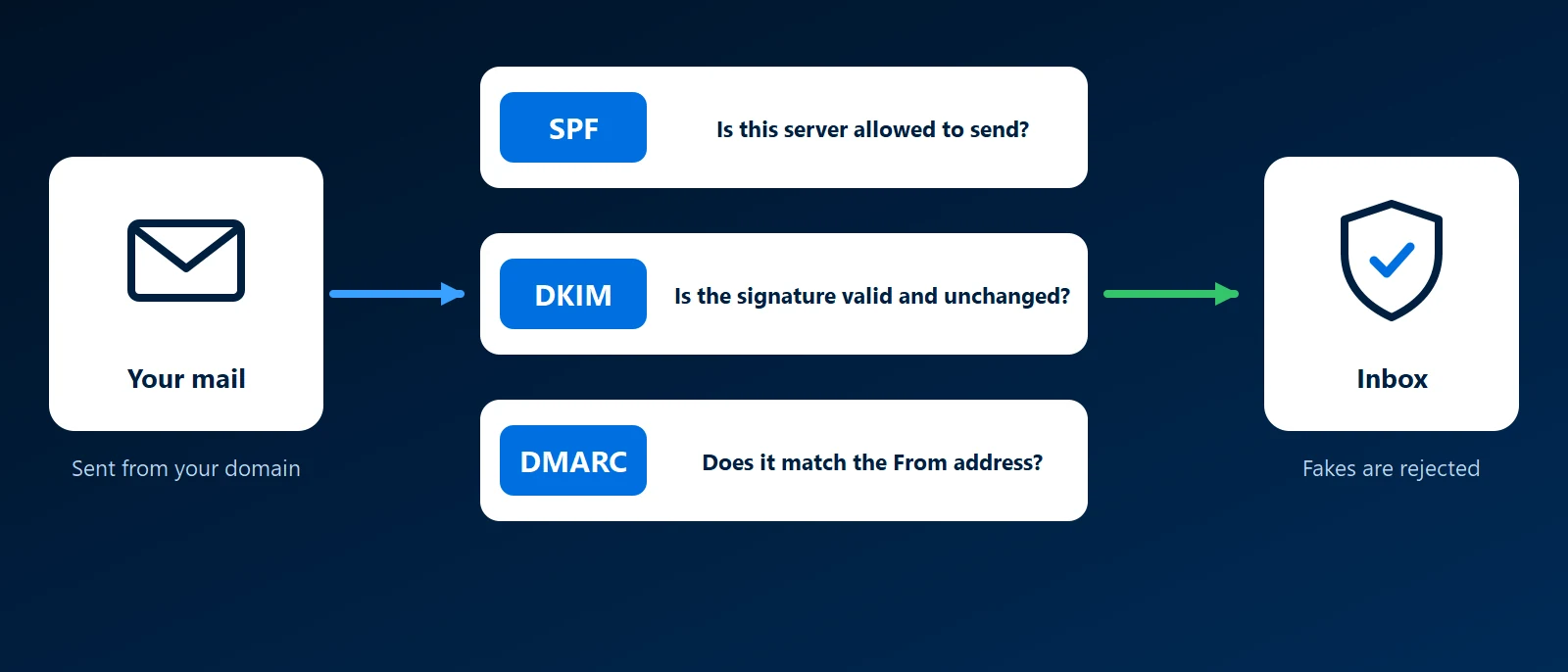
What it is
SPF is a single TXT record in your domain's DNS that starts with v=spf1. When a message arrives, the receiving server looks at the envelope sender, a return address used between mail servers and hidden from the reader, and fetches the SPF record for that domain. If the sending server is on the list, SPF passes.
Most businesses send through a provider, so the record names the provider instead of listing addresses. An entry such as include:spf.protection.outlook.com covers Microsoft 365. A newsletter tool or invoicing system that sends as you needs its own include.
How the record ends
- -all (hard fail): mail from any server not listed should be treated as failing.
- ~all (soft fail): mail from unlisted servers is suspicious but accepted, usually into spam. It is safer while you are still finding every sender.
Rules that catch people out
- One record only: a domain must have exactly one SPF record. Two records make SPF fail for every message, so a new service is added to the existing record.
- Ten lookups: checking the record may take at most ten DNS lookups, and every include counts, along with any includes nested inside it. Go over and SPF fails.
- Forwarding breaks it: when a message is forwarded, it reaches the final server from the forwarder's server, which is not on your list.
- It does not cover the From address: SPF checks the hidden envelope sender. A message can pass SPF for one domain while showing your name in the From line. DMARC closes that gap.
Why it matters to a business
Without SPF, or with a broken or outdated record, genuine invoices and replies are more likely to land in spam. SPF works best alongside DKIM and DMARC, as our email authentication guide explains, and the wider picture is in our guide to business email.
How KawaConnect works with SPF
When we set up or migrate Microsoft 365, we write the SPF record for the domain and add the other services the business sends from. For websites we host, the site's own mail goes into the same record. See our Microsoft 365 and websites pages.
Related services
Microsoft 365
Exchange Online with SPF set up for your domain.
Websites
Sites we host, with their DNS and form mail handled.
Managed IT
DNS records documented and kept current as services change.
Learn more
- Sender Policy Framework on WikipediaA neutral overview of SPF, its syntax and its known limits.
- Email authentication in Microsoft 365Microsoft's guidance on SPF, DKIM and DMARC for domains that use Microsoft 365.
- DMARC, DKIM and SPF at CloudflareA plain explanation of the three records with examples of each.
Not sure your SPF record is complete
Send us your domain and the services you send mail from. We will check the record against that list.
Start a conversation