
What is on-premises IT?
On-premises means running your systems on hardware that you own or control, in your own building or in a data center. Hybrid means using on-premises systems and the cloud together.
Talk to an engineer Knowledge base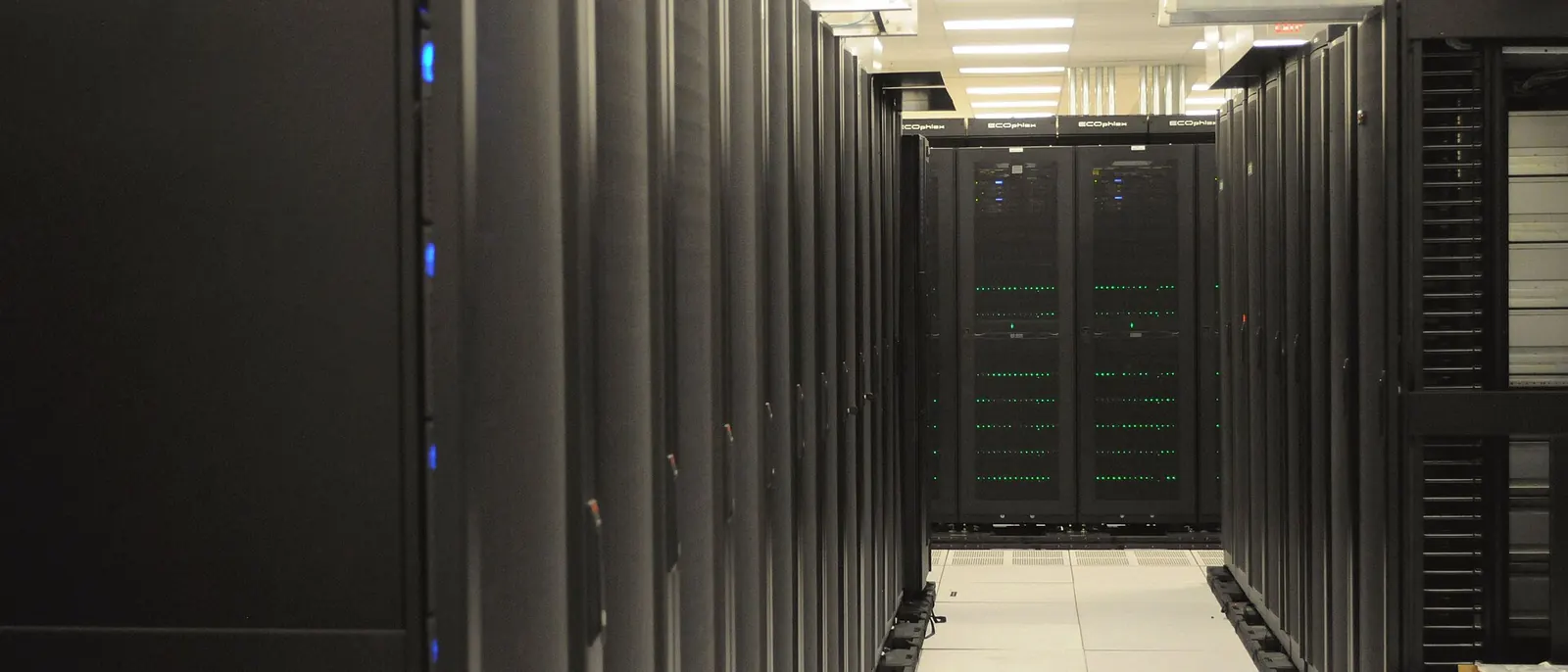
What it means
With an on-premises setup, the servers, storage and network equipment belong to you. They might sit in a closet in your office or in space you rent at a data center. In both cases your team or your IT partner decides how they are configured, updated and protected.
With cloud services, a provider owns the equipment. Many businesses use both, which is called hybrid. A typical example keeps a line-of-business database on local servers while email lives in Microsoft 365.
Why it matters to a business
- Your schedule: you choose the hardware, the software versions and when changes happen. Specialized and regulated applications can depend on that.
- Predictable running cost: after the purchase, costs are mostly power, space, support and eventual replacement.
- The work is yours: patching, hardware failures, power, cooling and backups each need a named owner.
- Local needs: equipment such as cameras, shop-floor systems and point-of-sale gear often works best close to where it is used.
How this shows up in our work
We build on-premises platforms with Proxmox VE clusters and Ceph storage, and we run them for our own infrastructure. We also plan hybrid setups with Microsoft Azure and migrate workloads in either direction. We place each workload by its cost, control, compliance and recovery needs.
Related services
Proxmox consulting
Virtualization clusters for servers you own.
Cloud infrastructure
Hybrid designs and migrations with Microsoft Azure.
Backup and recovery
Offsite copies and tested restores for local systems.
Learn more
- On-premises software on WikipediaA short neutral definition and comparison with hosted software, useful as a quick reference.
- Cloud computing on WikipediaBackground on the alternative model, for readers weighing the two.
Weighing local servers against the cloud?
List the servers and applications you have. We will recommend where each one should run.
Start a conversation