

What is WordPress?
WordPress is free, open-source software for building and managing a website without writing every page by hand. It is one of the most widely used website platforms in the world.
Talk to an engineer Knowledge base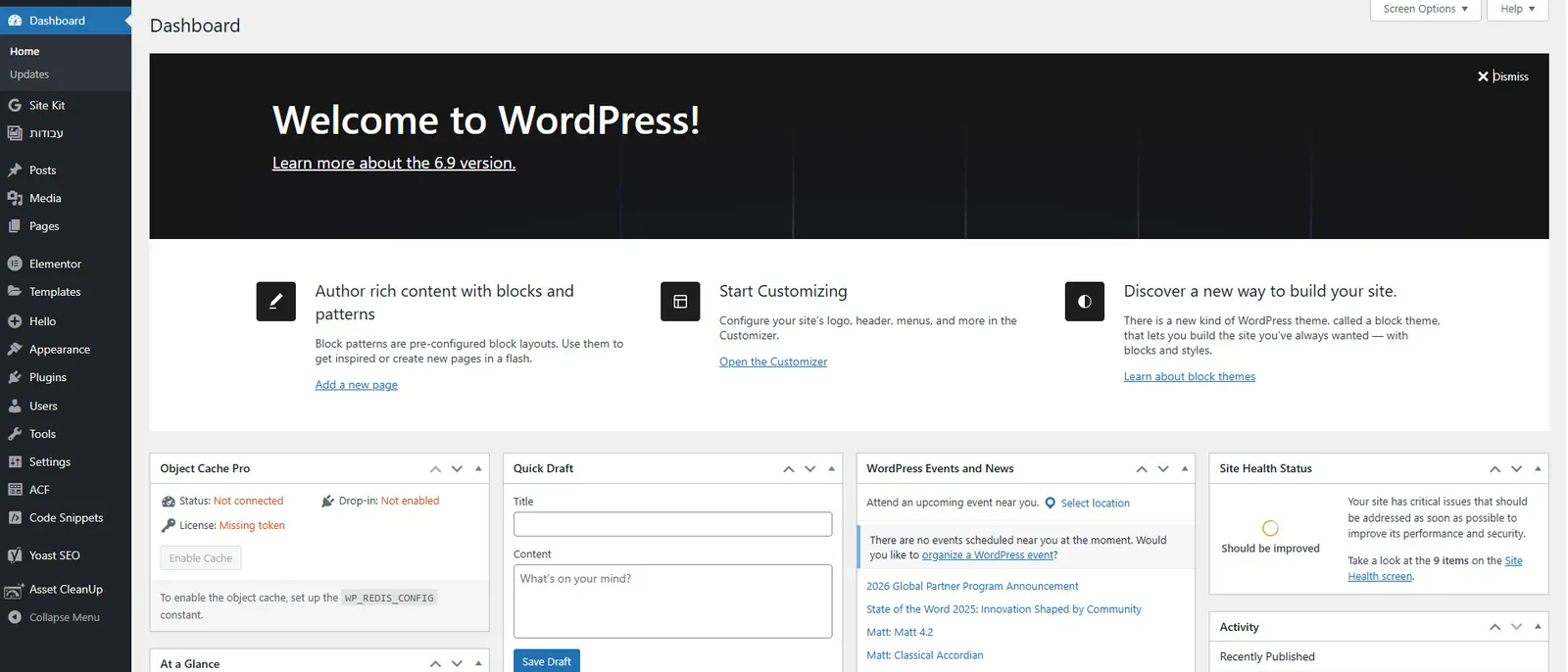
What it is
WordPress is a content management system. You log in, edit pages in a browser, and the software stores the content and builds the pages visitors see. Two things shape how a site looks and behaves:
- Themes: the design layer that controls layout, fonts and colors.
- Plugins: add-ons for features such as forms, search settings or page design. A visual tool like Elementor is one example.
The name covers two different things. Self-hosted WordPress is the free software from wordpress.org, which you install on a server you control, so you own the site and can change anything. WordPress.com is a commercial service that runs WordPress for you, with fewer choices in return for less to manage. Self-hosting needs a host, covered in web hosting.
Why it matters to a business
- Ownership: self-hosted content and files belong to you and can move to another provider.
- Updates: WordPress, themes and plugins all receive security fixes. A site that is not updated becomes an easy target.
- Backups: a site can break after an update or an attack. A separate, tested backup is how you get it back.
- Plugin quality: every plugin is code running on your site. Fewer, well-maintained plugins mean less risk.
How KawaConnect works with WordPress
The client websites we design, build and host are WordPress sites, laid out with Elementor. They run on infrastructure we run ourselves. We apply the updates, keep the backups and renew the TLS certificates, and each site has a standby copy on a second server.
Titles, descriptions and sitemaps are set with Yoast SEO, and we check finished pages as a visitor sees them.
Related services
Websites
WordPress sites designed, built and hosted by one team.
Managed IT
Monitoring, patching and documentation around your systems.
Software
Custom tools and integrations when a plugin is not enough.
Learn more
- WordPress on WikipediaA neutral history and overview of the software, useful for anyone new to it.
- WordPress.orgThe official home of the free software, for owners who want to see what self-hosting involves.
- WordPress documentationOfficial guides on themes, plugins and updates, written for site owners and editors.
Not sure how your WordPress site is looked after?
Send us the address. We will tell you what is running, what is out of date and what is backed up.
Start a conversation