

What is Thunderbolt?
Thunderbolt is a high-speed connection developed by Intel. Thunderbolt 3, 4 and 5 use the USB-C connector, so the port looks like an ordinary USB-C port.
Talk to an engineer Knowledge base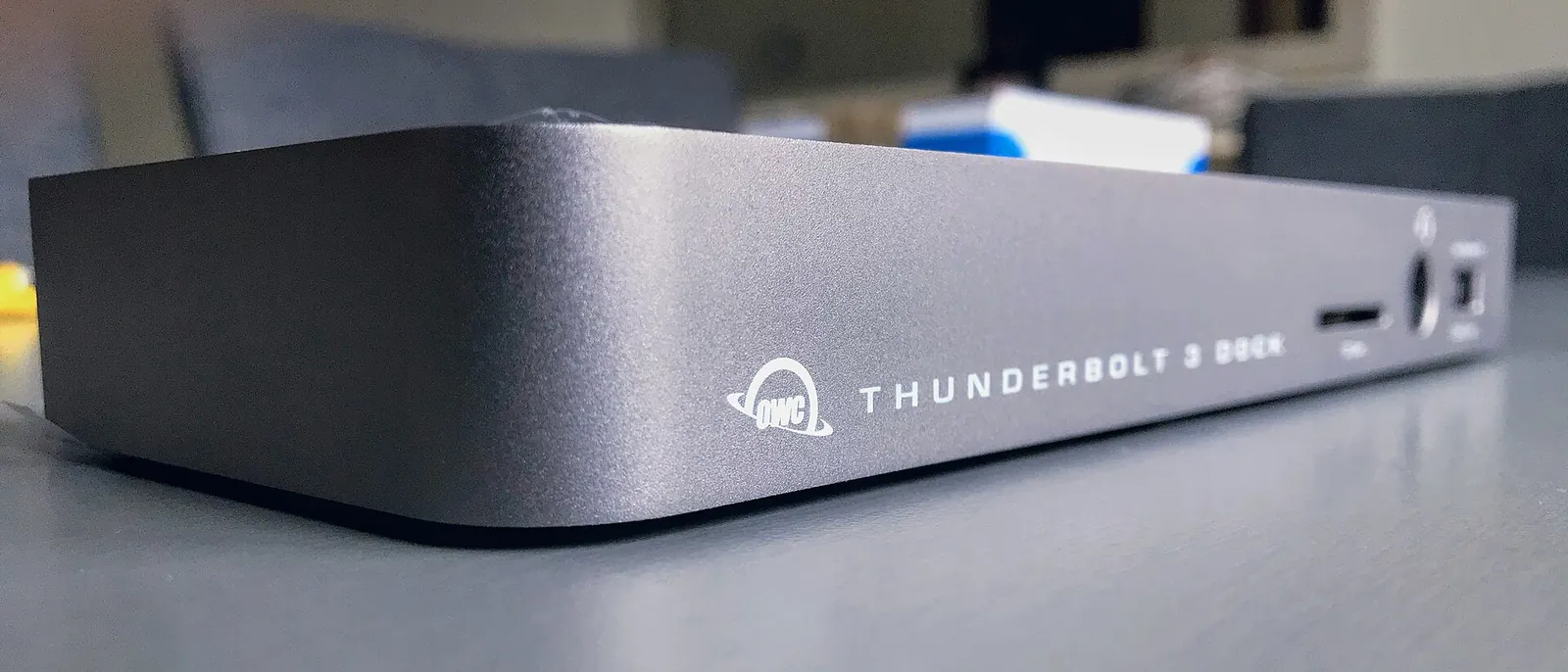
What it is
Thunderbolt carries data and display signals together, and it can pass power to a laptop. Its best-known use is the dock: a single cable from the laptop to a box that provides several connections.
- Dock: one cable can run several monitors, a wired network connection, a keyboard, a mouse and charging.
- Versions: Thunderbolt 3, 4 and 5 are different generations. Thunderbolt 4 mainly raised the minimum a certified port must support, and Thunderbolt 5 added more bandwidth, so the version number tells you more than the plug.
- Relationship to USB4: USB4 is built on the Thunderbolt 3 protocol, and Thunderbolt 4 and 5 ports are also USB4 ports. A Thunderbolt port accepts ordinary USB devices too.
More on the company is on our Intel page.
Why it matters to a business
- Fast desk setup: staff plug in one cable and the monitors, network and charging are all there.
- Hot desking: any laptop with the right port works at any desk.
- Laptop choice: not every laptop has a Thunderbolt port, and some have USB4 instead, so decide the desk setup before buying laptops.
- Cables: use a cable marked for Thunderbolt or USB4. An ordinary USB-C charging cable may leave the dock slow or the monitors dark.
How this shows up in our work
Docks are part of the desk kit we supply and set up under managed IT, along with laptops, monitors, keyboards, mice and headsets. Every desk gets the same setup, so a replacement laptop works the way the old one did.
Related services
Managed IT
Laptops, docks and monitors supplied and set up.
Networking and firewalls
Wired and wireless networks for the desk.
Learn more
- Thunderbolt on WikipediaA history and comparison of Thunderbolt generations.
- Intel Thunderbolt overviewThe developer's own summary of the technology, for readers choosing docks.
- USB4 on WikipediaExplains how USB4 relates to Thunderbolt 3.
One cable to every desk?
Tell us what each person plugs in. We will specify docks and laptops that match.
Start a conversation