

What is USB4?
USB4 is a USB standard built on the Thunderbolt 3 protocol and delivered over the USB-C connector. One cable can carry data, a display signal and power at the same time.
Talk to an engineer Knowledge base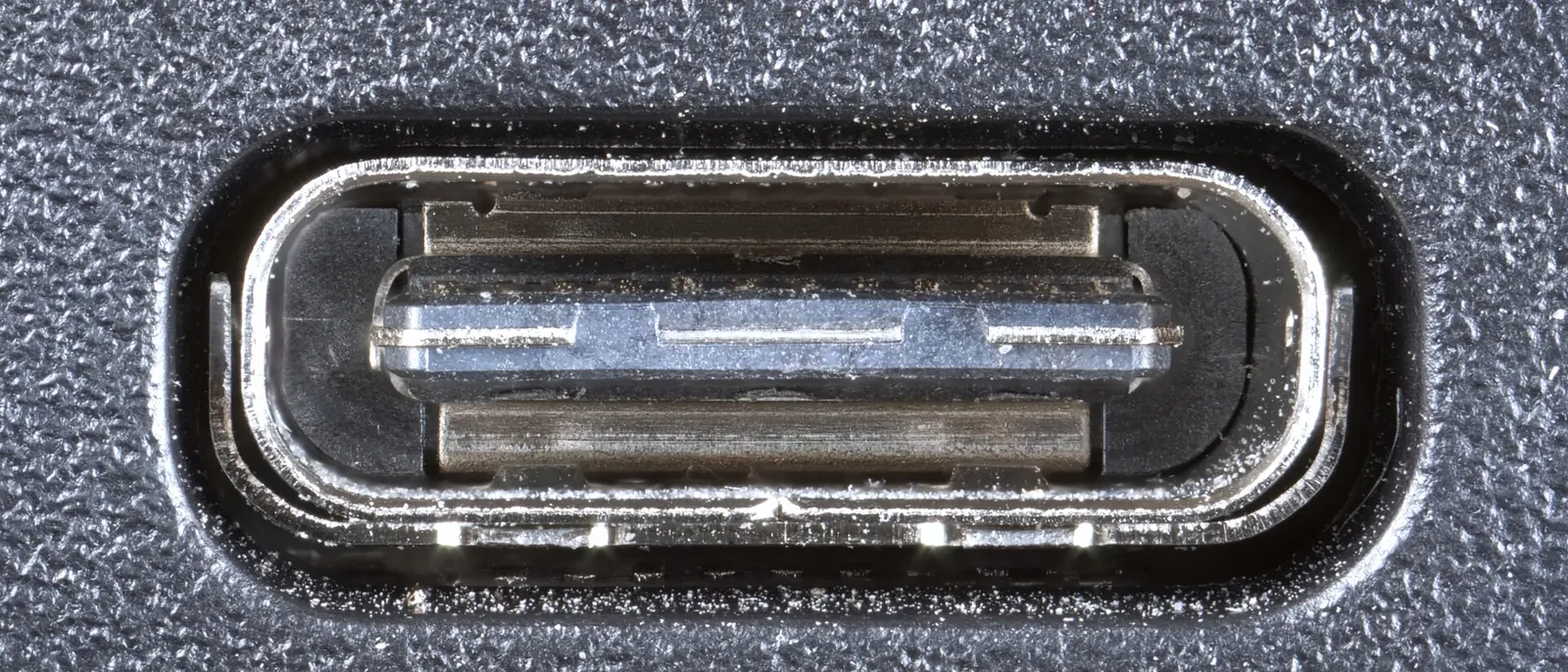
What it is
USB-C is only the shape of the plug. What a port or cable can do depends on the standard behind it, and USB4 is the one that brings in the Thunderbolt-based protocol. Not every USB4 port runs at the same top speed, so check the rating on the laptop and the dock.
- One cable: a laptop can charge, drive a monitor and talk to a drive through a single USB4 connection.
- Same plug, different capability: two USB-C ports side by side can differ widely. One may charge only, another may handle video, another may run USB4.
- Cable quality: cables are rated for speed and for power. The wrong cable can limit speed, drop the display or charge a laptop slowly.
USB4 is closely tied to Thunderbolt, which Intel developed. Our Intel page has more on the company.
Why it matters to a business
- Fewer cables on desks: one connection to a dock replaces separate power, video and network cables.
- Mystery faults: a flickering monitor or a slow drive is often a weak cable or the wrong port, not a broken device.
- Purchasing: a laptop specification that just says USB-C leaves out what matters. Ask which standard each port supports.
- Spare cables: a drawer of unlabeled cables invites mismatches. Keep rated ones and mark them.
How this shows up in our work
Under managed IT we supply the whole desk: laptop, dock, monitors, keyboard, mouse, headset and the cables between them. Keeping that kit standard is what lets a replacement laptop work at a desk the same way the old one did.
Related services
Managed IT
Laptops, docks and monitors supplied and set up.
Networking and firewalls
Network connections behind the desk.
Learn more
- USB4 on WikipediaAn overview of the standard, its versions and its link to Thunderbolt.
- USB Implementers ForumThe group that maintains USB standards, with logos and specifications.
- Thunderbolt on WikipediaUseful background for readers comparing USB4 with Thunderbolt.
Docks and cables that just work?
Tell us how your staff are set up at their desks. We will outline a standard kit.
Start a conversation