

What is pfSense?
pfSense is firewall and router software based on FreeBSD and developed by Netgate. It comes in two editions: pfSense CE, which is open source and runs on standard hardware, and pfSense Plus, which Netgate ships on its appliances and does not publish as open source.
Talk to an engineer Knowledge base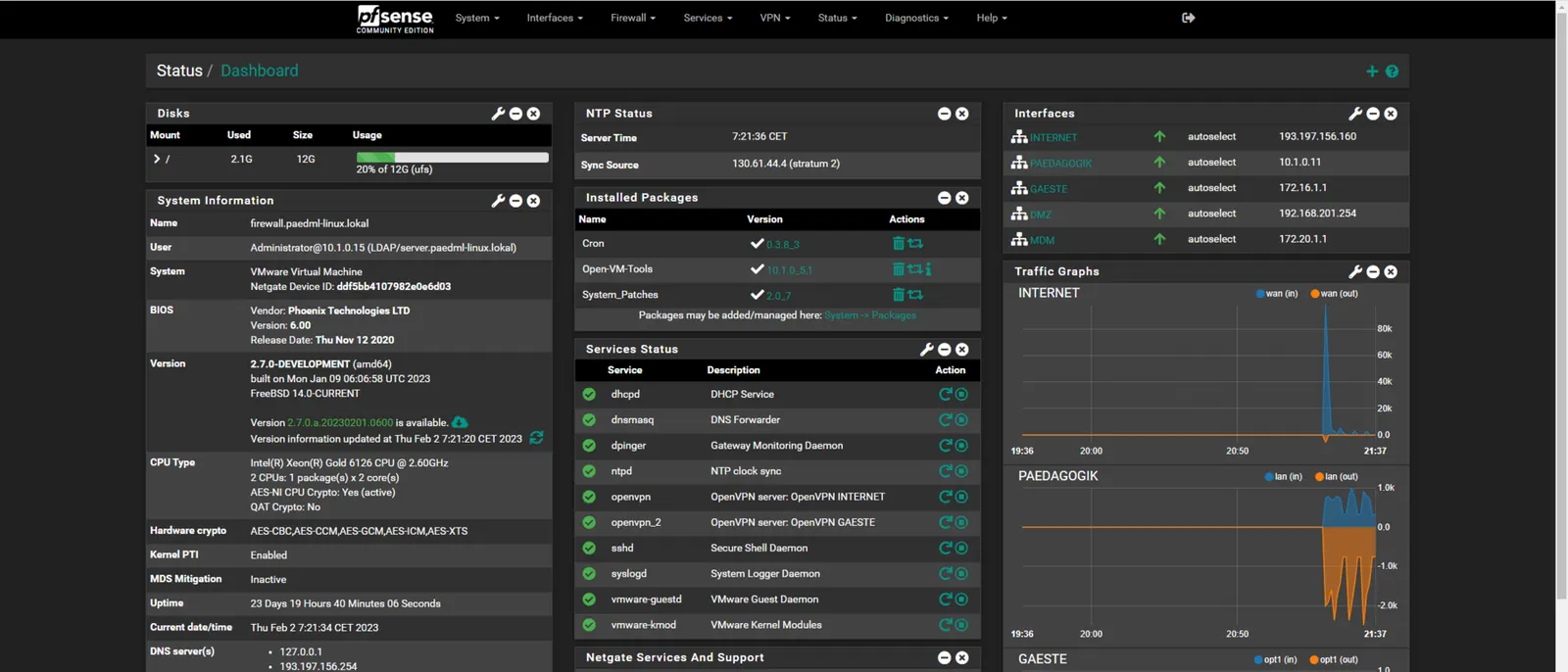
What it is
pfSense filters traffic between networks, hands out addresses, routes between sites and manages VPN connections, all from a web interface. It is a firewall in software form, so the same system can run on a Netgate appliance, on a server, or in a virtual machine.
OPNsense began in 2015 as a fork of pfSense, so an administrator who knows one will find the other familiar. They are separate projects now, with their own interfaces and release schedules.
Why it matters to a business
- Hardware choice: a business can buy a Netgate appliance or install CE on its own hardware.
- Edition matters: check which edition you run, because updates, features and support differ between CE and Plus.
- Documentation: Netgate publishes a manual, and many IT providers have worked with pfSense, so help is easy to find.
- Upkeep: updates, configuration backups and rule reviews need someone assigned. A firewall that is never updated becomes a risk.
How KawaConnect works with pfSense
Our own builds use OPNsense. When a business already runs pfSense, we support what is there. We document the setup, maintain the rules and VPNs, and apply updates.
If the client wants to move, we migrate the configuration to OPNsense. If not, the pfSense install stays. See networking and firewalls for the rest of our firewall work.
Related services
Networking and firewalls
Firewall pairs, VLANs and Wi-Fi for business sites.
Network security
VPN, segmentation and remote access, with someone watching.
Managed IT
Patching, monitoring and documentation for the whole environment.
Learn more
- pfSense on WikipediaA short history of the project and its relationship to other firewall software, useful for background reading.
- pfSense project websiteDownloads and news from the project, for readers who want to see what is offered.
- Netgate pfSense documentationThe manual covering rules, VPNs and high availability, written for administrators.
Running pfSense today?
Send us a short description of your setup. We will tell you what needs attention and whether a move makes sense.
Start a conversation